
Estimate with better cost information
Build estimates using materials, labor, and manufacturing overhead. Compare estimated costs with actual results as job information is recorded.
MFGMAX is manufacturing ERP for the batch or job, the materials, the labor, and the actual cost. Start with nutraceutical manufacturing ERP, furniture manufacturing software, food manufacturing ERP, cosmetics manufacturing software, pharmaceutical manufacturing software, or metal fabrication software. Accounting can stay in QuickBooks.
Nutraceutical, cosmetic & pharma cloud AI platform
A cloud AI manufacturing ERP built for nutraceutical plants, and used for the same batch, quality, and traceability work in cosmetics and pharma manufacturing. Inventory, batch execution, quality, traceability, costing, and commercial workflows in one system.
Lot genealogy, QC release, and recall-ready traceability for regulated manufacturing.
Formulation, batches, costing, and commercial quote-to-order workflows connected end to end.
AI copilot support for production, inventory risk, compliance investigation, and executive insight.
Inventory · Manufacturing · QC · Traceability · Costing · AI Analytics · Recall readiness
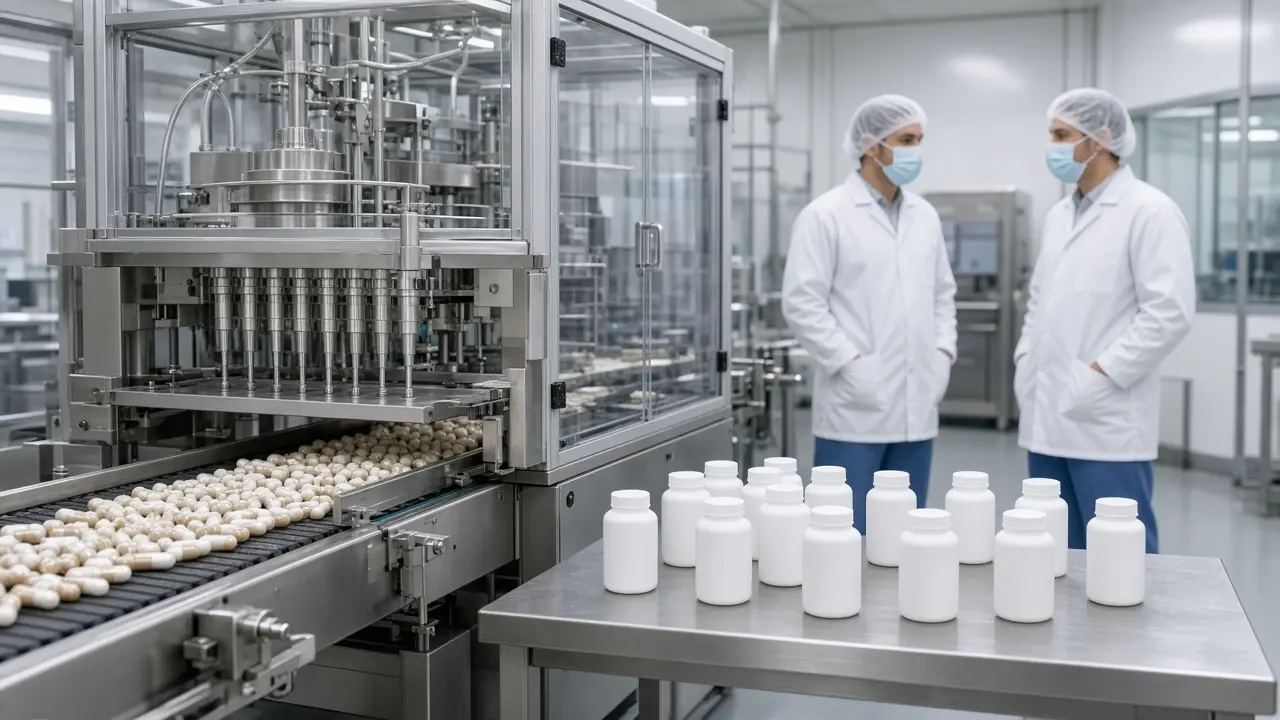
MFGMAX Nutra ERP
Inventory, the batch, quality, traceability, and cost stay on one record.
See Nutra ERPMFGMAX Furniture
Connect quoting, materials, inventory, production, labor, and job profitability in one platform. Give your team a shared view of the work and give ownership the information needed to make better decisions.
Quoting · Materials · Inventory · Production · Labor · Job profitability

MFGMAX Furniture
The estimate, the materials, the hours, and the job result stay on one record.
See FurnitureA change in materials, extra production hours, or an unexpected delivery cost can reduce a job’s profit.
MFGMAX helps you follow those changes from the original estimate through production and completion, so you can understand what happened and improve the next quote.
One record for the job
Operations
Build estimates using materials, labor, and manufacturing overhead. Compare estimated costs with actual results as job information is recorded.
Track inventory and material movements, monitor availability, and connect material usage to production jobs.
See what is planned, in progress, on hold, or completed. Help your team identify delays and coordinate the next steps.
Track time against jobs and activities. Compare actual hours with estimates to identify overruns and improve future planning.
Bring job revenue and recorded costs together to understand margins and investigate differences between expected and actual performance.
MFGMAX uses AI to provide management reports and recommendations based on the information recorded in the system.
Ownership can monitor production, inventory, costs, and profitability without waiting for information to be assembled from separate spreadsheets.
Reliable decisions start with reliable records. MFGMAX brings that information together so management can act sooner.
AI Copilot
MFGMAX was created by Karel Quintana and a team of IT professionals to connect manufacturing operations with the financial results owners need to understand.
Our approach considers both how work moves through the factory and how materials, labor, overhead, and inventory affect profitability.
You do not need to change every process at once.
We begin by understanding your operation, reviewing your current systems, and identifying the workflows where MFGMAX can provide the most value.
A phased implementation can introduce manufacturing operations while keeping accounting in QuickBooks. Integration options and any future transition are reviewed and demonstrated before you commit.
Who it is for
Custom furniture manufacturers
Office and commercial furniture producers
Cabinet and woodworking shops
Architectural millwork businesses
Reception desk and conference table manufacturers
Hospitality and retail fixture manufacturers
MFGMAX Beverage and Food
Connect formulas, batches, ingredient lots, yield, and shipments. Quote from the recipe the plant will run, and keep a lot trace from raw ingredients to finished goods.
Formulas · Batches · Lots · Yield · Traceability

MFGMAX Beverage and Food
The formula, the lots, the yield, and the shipment stay on one record.
See Beverage and FoodIngredient prices, short yield, and a lot that will not last until the line is free are ordinary problems in food and beverage. They get expensive when the quote, the schedule, and the batch record live in different places.
MFGMAX keeps the formula, the lots, and the run together. The software supports the plant record. It does not replace your food-safety program, your specifications, or a required approval.
One record for the batch
Operations
Price a batch from the recipe, today’s ingredient cost, and the yield the plant actually gets. The quote and the batch read the same formula.
See the step, the lots consumed, and the yield against plan before the batch record closes. A miss can still be held or corrected.
A lot can be on hand today and past its date, or inside a customer shelf-life rule, before the line is free. Put expiration and changeover time on the schedule first.
Record what went into the batch, including substitutions. The finished lot stays tied to the ingredients that were actually used.
Ingredient variance, yield loss, and rework show up with the batch. The next quote and the next schedule can use that result.
MFGMAX uses AI to summarize formula cost, lot dates, yield, and holds from the information recorded on each batch.
A supervisor can see which runs need attention today, which ingredient lots are getting short-dated, and which formulas are no longer matching the cost that won the order.
AI Copilot
You do not need to replace every sheet on day one. MFGMAX begins with the recipes, lots, and batches that decide margin and traceability, then connects quoting and shipping.
Accounting can stay in QuickBooks while production comes online. Integration options are reviewed and demonstrated before you commit.
MFGMAX Cosmetics
Connect formulas, bulk and component lots, filling, yield, and shipments. Quote from the formula the line will run, and keep a trace from ingredients and packaging to the finished lot.
Formulas · Filling · Component lots · Yield · Traceability

MFGMAX Cosmetics
The formula, the fill, the lots, and the batch cost stay on one record.
See CosmeticsCosmetics margin moves when a component price changes, a fill runs short, or a shade change takes longer than the plan. Those facts are useless if the formula, the line, and the batch record do not share them.
MFGMAX keeps the formula, the lots, and the run together. The software supports the batch record. It does not replace your safety assessment, your specifications, or a required approval.
One record for the batch
Operations
Price the batch from bulk ingredients, components, and the yield the line actually fills. The quote and the batch use the same formula.
Record the bulk lot, the bottle or jar, the cap, and the label that went into the finished lot. A substitution stays on the batch.
A shade change, a clean, or a component lot that will not last until the filler is free belongs on the schedule before the day is published.
Yield, overfill, and in-process checks are visible before the batch record closes, while the line can still hold or correct the run.
QC status, the lots consumed, and the shipments of that finished lot stay on one record. The next formula cost can use the yield this batch returned.
MFGMAX uses AI to summarize formula cost, component dates, fill yield, and holds from the information recorded on each batch.
A supervisor can see which runs need attention, which component lots are getting short-dated, and which formulas no longer match the cost that won the order.
AI Copilot
You do not need to replace every sheet on day one. MFGMAX begins with the formulas, component lots, and fills that decide margin and traceability, then connects quoting and shipping.
Accounting can stay in QuickBooks while production comes online. Integration options are reviewed and demonstrated before you commit.
MFGMAX Pharma
Connect materials, batch execution, in-process checks, lot genealogy, and batch cost. The people running the batch and the people who must explain it later read the same record.
Batch records · Materials · Genealogy · Yield · Release status

MFGMAX Pharma
The batch record, the lots, and the cost stay on one record while the batch is open.
See PharmaPharmaceutical plants already know the questions: which lot was used, what the check showed, what the yield was, and where the finished lot went. The cost is how long it takes to answer them, and whether the answer exists before the batch is closed.
MFGMAX keeps materials, the batch, quality status, and shipment on one record. The software does not replace your quality system, a validation, or a regulatory approval.
One record for the batch
Operations
Materials, steps, in-process checks, and yields are recorded while the batch is open. The record is not reconstructed after the run is finished.
Quarantine, hold, and released stock are not the same quantity. The schedule should see status and expiration before a batch is started.
From a raw-material lot to the finished batches that used it, and from a finished lot back to the materials and the shipments.
A discrepancy that appears only at closeout is an explanation. The same fact during the batch is still something the plant can hold or correct.
Material variance, yield loss, and rework stay on the batch, so the next cycle can be reviewed before it is released.
MFGMAX uses AI to summarize material status, open batches, yield, and holds from the information already recorded. It does not invent a result that was not entered.
A supervisor can see which batches need attention, which lots cannot be used, and which finished lots still need a release decision.
AI Copilot
You do not need every site live on day one. MFGMAX begins with the materials, batches, and lot trace the plant already depends on, then connects costing and shipping.
Accounting can stay in QuickBooks while production comes online. Integration options are reviewed and demonstrated before you commit.
MFGMAX Heavy Metals
Connect heats and lots, material certificates, inventory, work orders, scrap, and job cost. Know which metal went into which job, and what that job actually earned.
Heats and lots · Certificates · Inventory · Yield · Job cost
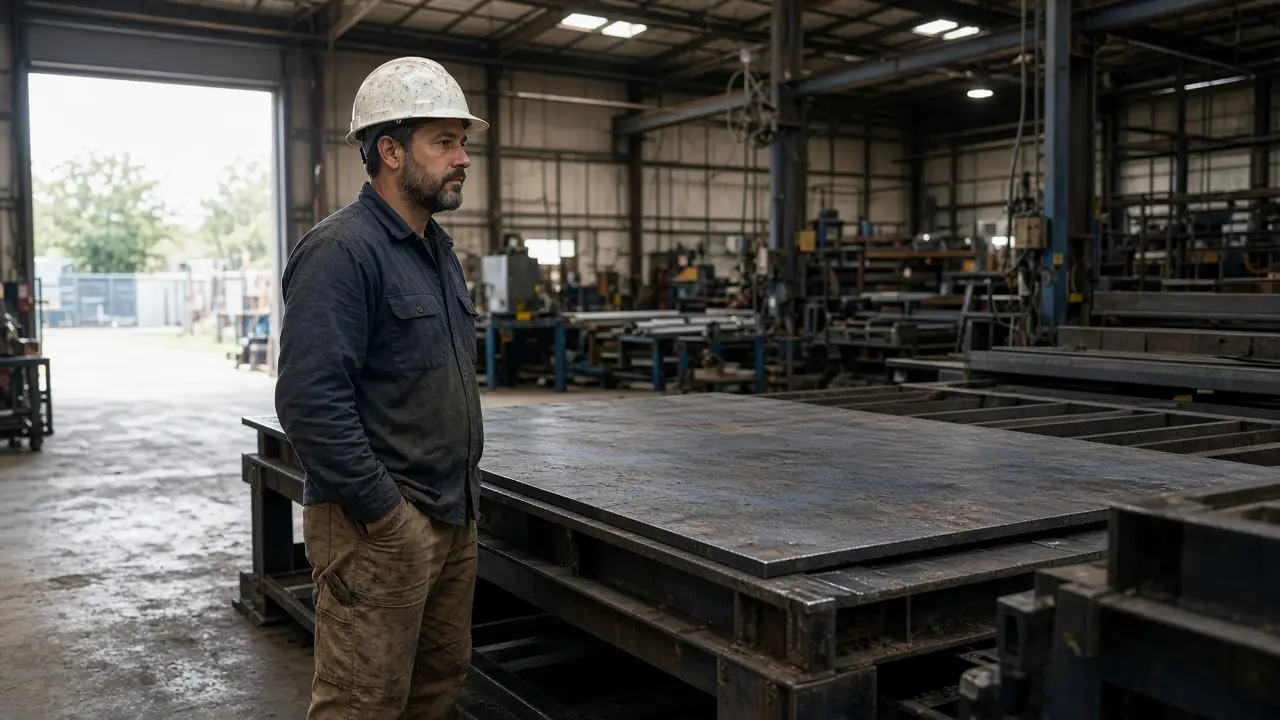
MFGMAX Heavy Metals
The heat, the scrap, and the job cost stay on one record.
See Heavy MetalsHeavy metals work is won or lost in the material: the grade, the certificate, the scrap the nest produced, and the hours the job actually took. Those facts often sit in a traveler, a cert folder, and a spreadsheet that do not talk to each other.
MFGMAX keeps the lot, the certificate, and the work order together. The software records the job. It does not replace a required material test, a weld procedure, or an environmental permit.
One record for the metal
Operations
Tie heat, lot, grade, and the mill or supplier certificate to the metal you received. The job that consumes it can still name where it came from.
Track dimensions, grade, location, and what is already allocated. A remnant that can fill the next job should not look the same as metal that is already promised.
See what is planned, in process, waiting on material, or complete. Labor and outside processing stay on the same work order.
Record what the nest or the heat was supposed to yield and what came back as good parts and scrap. The difference is visible before the job is invoiced.
Compare estimated material, scrap, labor, and outside processing with what the job actually used. The next quote can use that result.
MFGMAX uses AI to summarize allocated metal, certificates, scrap, labor, and job cost from the information recorded on each order.
Ownership can see which jobs are waiting on material, which are running heavy on scrap, and which shipments still need a heat or lot named, without rebuilding that picture from separate files.
AI Copilot
You do not need a new process for every machine. MFGMAX begins with how you receive metal, allocate it to jobs, and record scrap and labor, then connects quoting.
Accounting can stay in QuickBooks while job costs come online. Integration options are reviewed and demonstrated before you commit.
Services
From strategy to implementation, MFGMAX Inc designs, builds, and integrates the systems that run manufacturing and industrial businesses.
Purpose-built platforms for operations, production, sales, and customer experience.
Inventory, production, traceability, costing, and finance-ready manufacturing software.
Capture demand, manage pipelines, and connect sales follow-up to real operations.
Practical AI for assistants, document intelligence, forecasting, and process automation.
Connect accounting, inventory, quality, shipping, and the other systems the plant already runs.
Corporate sites and commerce experiences designed to generate qualified opportunities.
MFGMAX Distributors
Connect purchasing, inventory, sales orders, warehouse movement, and margin in one platform. Give the team a shared view of what can ship, and give ownership the numbers behind each order.
Purchasing · Inventory · Orders · Warehouse · Margin
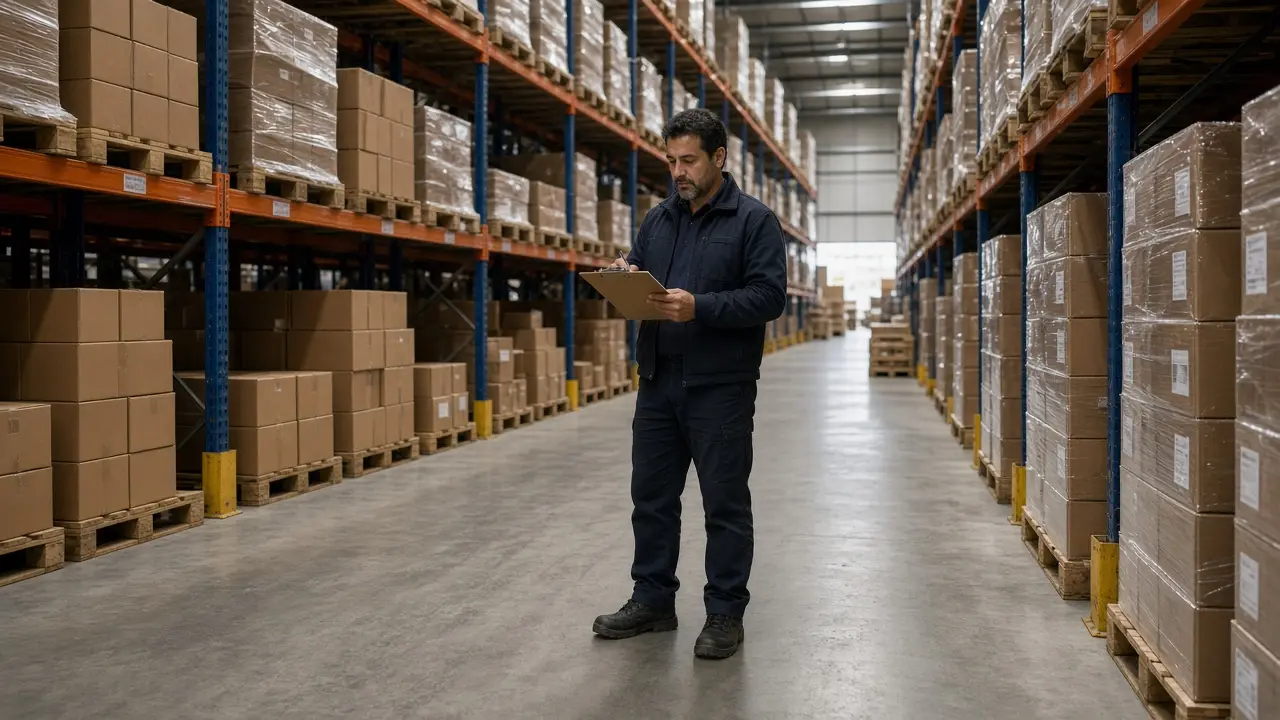
MFGMAX Distributors
The stock, the order, and the cash tied up in inventory stay on one record.
See DistributorsA missed receipt, a price change, or stock sitting in the wrong warehouse can turn a sold order into a loss.
MFGMAX Distributors follows the order from the quote through purchasing, the warehouse, and the invoice, so the team can see what changed and correct the next buy.
One record for the order
Operations
Track on-hand, committed, and incoming stock by warehouse. Know what is available before a promise is made to the customer.
Connect open orders, reorder points, and vendor lead times so purchasing follows what the business is actually selling.
Follow allocations, backorders, and shipments so the team can see what is complete, what is short, and what should move next.
Keep item cost, sell price, freight, and special pricing with the order. A late receipt or a price change stays visible.
Bring sales and recorded costs together by customer, product, and order so margin changes can be reviewed before the next quote.
Inventory methods
Not every item should be stocked the same way. MFGMAX Distributors can run just-in-time inventory next to the other methods that fit the product. The aim is enough stock to fill the order, and less cash locked in product that is waiting.
Receive the product close to the customer order. This fits reliable suppliers and items that turn quickly, so cash is not paid weeks before the sale.
Less cash sitting in the warehouse
Set a minimum from real demand and supplier lead time. Buy again when available stock reaches that point, in a quantity that covers the next cycle.
Steady sellers stay available without a large extra buy
Keep a planned buffer only where a missed shipment would lose the customer. Size the buffer to the risk so protection does not become unused inventory.
Service level is protected without stocking every item deep
The product can remain in your warehouse while the supplier still owns it. You pay when it sells, and the item is still there for the order.
Cash stays in the business until the sale
The supplier watches usage and replenishes to an agreed level. Routine buying takes less of the team’s time, and on-hand stock stays closer to what is selling.
Replenishment follows demand instead of a fixed overbuy
Find stock that is not turning. Stop the reorder, return it, or sell it down. Recovering that cash is often the fastest inventory improvement.
Cash comes back from inventory that is not earning
MFGMAX uses AI to summarize the inventory, orders, and costs already recorded in the system.
Leadership can see shortages, slow stock, and margin movement without waiting for separate warehouse and sales spreadsheets to be combined.
AI Copilot
You do not need to replace every process on day one. MFGMAX begins with how you buy, stock, and ship, then connects the workflows that change margin first.
Accounting can stay in QuickBooks while distribution operations come online. Integration options are reviewed and demonstrated before you commit.
MFGMAX Aviation
Connect work orders, FAA compliance records, certified parts, technician labor, and job results in one platform. Give the shop a shared view of the repair, and give leadership the traceability behind parts, time, and profitability.
Work orders · FAA compliance · Certified parts · Labor · Return to service

MFGMAX Aviation
The work order, the parts, and the hours stay on one record.
See AviationA part that arrives late, extra shop time, or a missing history line can stall the work order and hide the real cost of the repair.
MFGMAX Aviation follows the job from receiving through return to service, including the parts and status records FAA compliance depends on. It supports the repair station manual you already use. It does not replace your FAA certificate or your approvals.
One record for the repair
Operations
See what is received, in work, waiting on parts, in inspection, or ready for return to service. The team can see the next step on each work order.
Track certified parts, serial and lot identity, and where each part was removed or installed. The compliance record stays with the work order.
Record hours against the work order and the task. Compare actual time with the estimate so overruns are visible while the job is still open.
Keep the traveler, inspection status, part history, and return-to-service notes with the repair so the station can show what was done.
Bring the work-order price together with parts and labor actually recorded, so the station can review the result of the job.
MFGMAX uses AI to summarize work orders, parts availability, labor, and job results from the information recorded in the system.
Ownership can see what is waiting, what is costing more than expected, and which repairs need attention, without assembling that picture from separate logs.
AI Copilot
FAA compliance
FAA repair stations need to show what was received, which certified parts were used, who performed the work, and when the unit was returned to service. MFGMAX Aviation keeps that history on the work order so the station can answer those questions from one record.
MFGMAX begins by understanding how your station receives units, issues parts, and records time. A phased start can bring those workflows online while your current accounting system stays in place.
Integration options are reviewed and demonstrated before you commit.
MFGMAX Construction
Connect estimating, change orders, materials, labor, subcontractors, and job profit in one platform. Give the field and the office the same view of the job, and give ownership the cost behind each project.
Estimates · Change orders · Materials · Labor · Job profit

MFGMAX Construction
The bid, the change order, and the job cost stay on one record.
See ConstructionExtra material, another crew day, or a subcontractor change can reduce the profit that was in the original bid.
MFGMAX Construction follows those changes from the estimate through the work and the billing, so the builder can see what happened and price the next job with better information.
One record for the job
Operations
Build the bid from materials, labor, subcontractors, and overhead. Keep that estimate attached to the job so later costs have something to compare against.
Record added scope, revised price, and the cost that comes with it. The original bid and the approved changes stay on the same job.
Track what was ordered, received, and used on the job. A delivery that was not in the estimate is visible before the job is closed.
Record subcontractor commitments and crew hours against the job. Compare what was planned with what has been worked.
Bring the contract, change orders, and recorded costs together. Review margin while the job is open, not only after it is finished.
MFGMAX uses AI to summarize estimates, committed costs, labor, and billing from the information recorded on each job.
Ownership can see which projects are over plan, which change orders are still open, and where cash is waiting on a bill, without rebuilding that picture from separate spreadsheets.
AI Copilot
You do not need to change every process at once. MFGMAX begins with how you estimate, buy materials, and track crews, then connects the workflows that change job profit first.
Accounting can stay in QuickBooks while job costs come online. Integration options are reviewed and demonstrated before you commit.
MFGMAX Financing
Give financial companies one platform for underwriting, funding, collections, and investors. Cash advances, loans, factoring, and discounts stay connected to the customer, the deal balance, and the accounting system.
Cash advances · Loans · Factoring · Discounts · Investors · QuickBooks

MFGMAX Financing
The deal, the payments, and the balance stay on one record.
See FinancingFunding
Run more than one funding product without splitting the customer file. Each deal keeps its own terms, fees, and balance.
Open, fund, and track a cash advance against future receipts. The advance, the payback, and the remaining balance stay on the same deal.
Set the amount, term, rate, and payment schedule. Follow what has been advanced, what has been collected, and what is still outstanding.
Purchase or advance against customer invoices. Tie each invoice to the deal, the reserve, and the amount still to collect.
Apply an early-pay discount, a fee, or a rate concession on the deal and keep that price with the balance so the net amount is clear.
Underwriting
Qualify the customer in one place: application, documents, credit information, and the decision. The file used for approval stays with the deal.
Move a complete qualification file to a decision without rebuilding it from email and spreadsheets. The status shows who is waiting and who is cleared.
Link the credit report used for qualification to the customer and the deal, so the review and the approval refer to the same record.
See advanced, collected, fees, reserves, and the open balance on every deal. Leadership can tell which deals are current and which need attention.
Investors
Investor relationships, deal participation, sharing, and special reports use the same balances the funding team already records.
Keep each investor, the contact history, and the deals they participate in together.
Assign investors to a deal, record their share, and follow the position from funding through collection.
Show each investor their share of advances, collections, fees, and remaining balance. Sharing follows the deal, not a separate spreadsheet.
Prepare the reports investors ask for: positions, collections, performance, and balances, from the deals already recorded.
MFGMAX uses AI to summarize underwriting, open balances, collections, and investor positions from the deals recorded in the system.
Accounting
MFGMAX Financing posts funding, fees, collections, and deal balances into QuickBooks so the finance operation and the books stay aligned.
The connection can be customized for other accounting systems. The mapping is reviewed and demonstrated before you commit.
Problems We Solve
Open a problem if it sounds like the week you are already having.

Yield, downtime, and a bad lot show up after the run. The week is already lost.
See this problem
The plant has already shipped the order that lost the money.
See this problem
The estimate, the floor, and the invoice are three copies of the same work.
See this problem
The lot, the job, and the shipment still live in different places.
See this problem
Sales promises a date the line or the warehouse cannot keep.
See this problem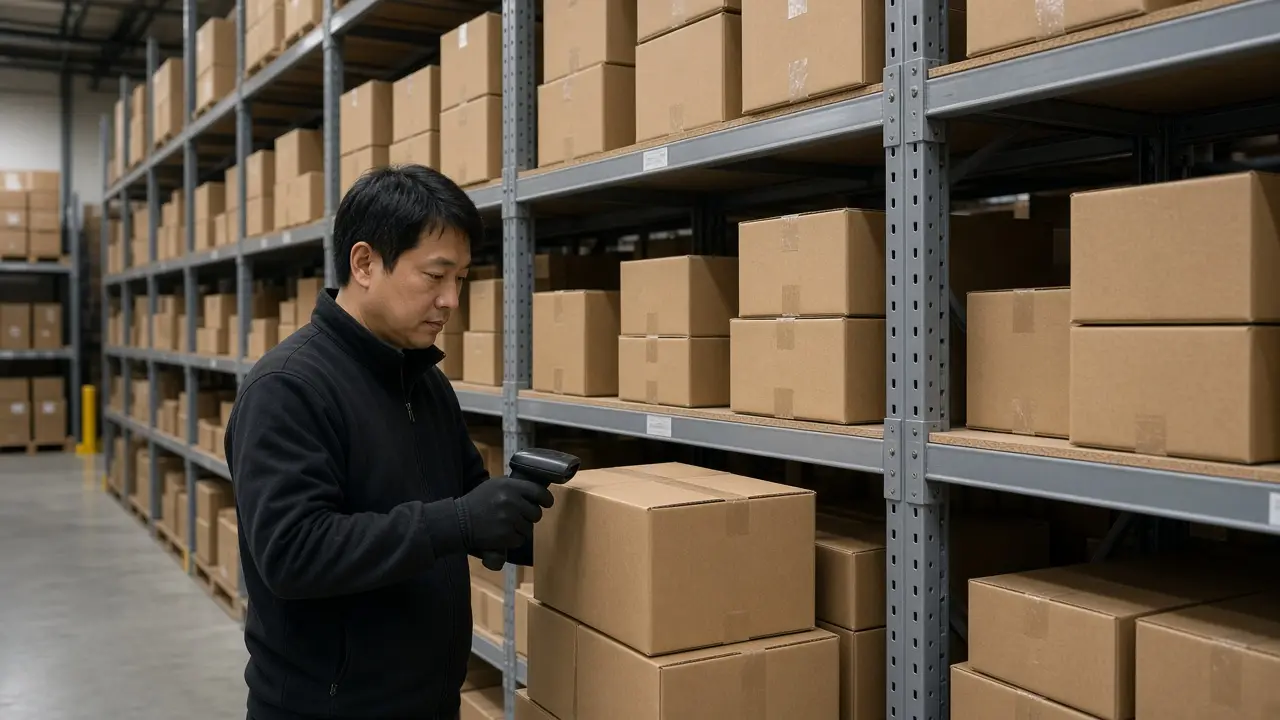
The site and the shelf were updated by different people.
See this problem
The desk retypes a lookup while the hard calls wait.
See this problem
Most callbacks are the wrong city, the wrong timing, or out of range.
See this problemBlog
Practical articles for nutraceutical, pharmaceutical, food, cosmetics, furniture, metal, aviation, and construction operations, plus the costing and lot questions those plants share.
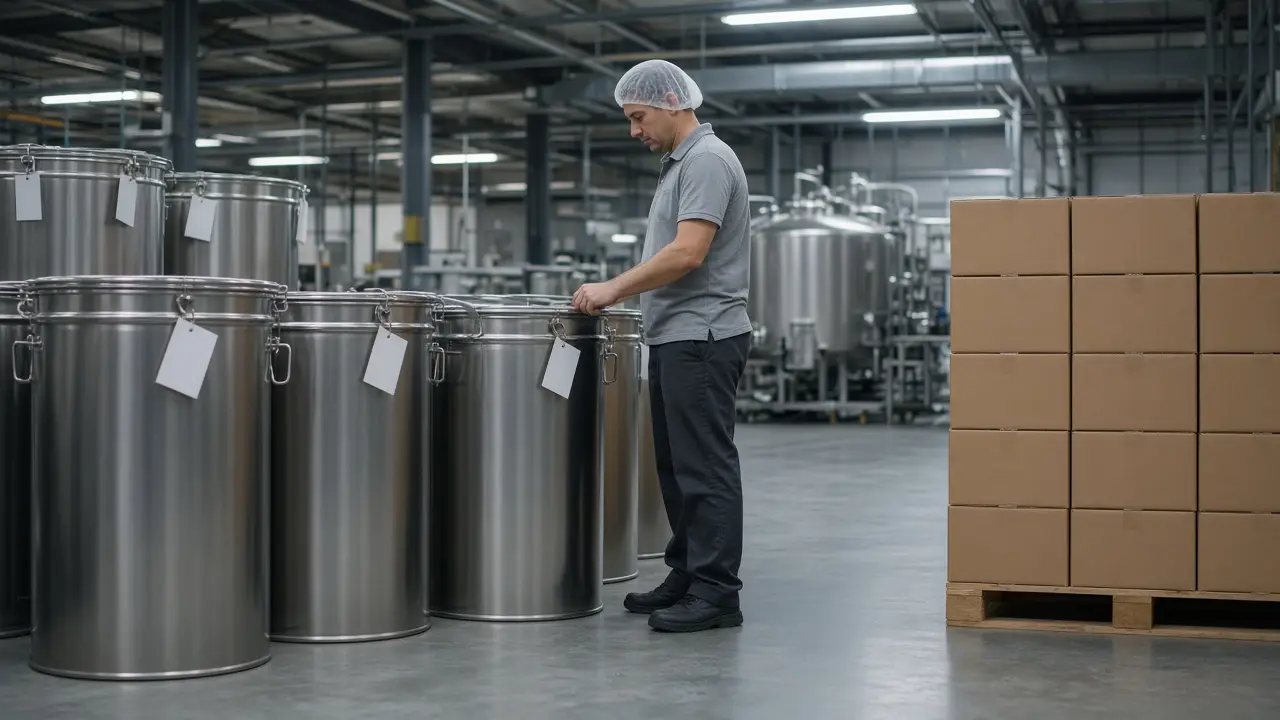
A lot number on a label is not the same as a map from the ingredient lot through the batch to the shipment. One answers where it is. The other answers where it went.
Read article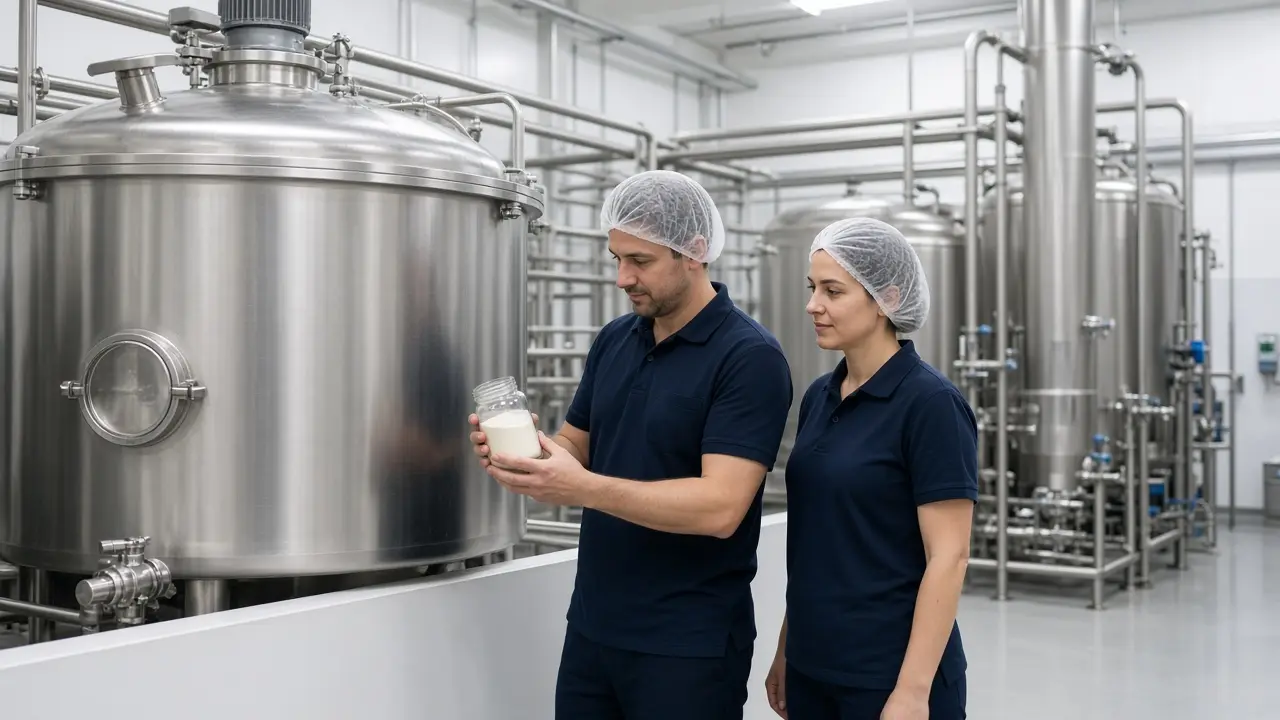
When a batch yields less than the formula expected, the same ingredients are spread over fewer finished units. The unit cost rises even if the ingredient price did not.
Read article
QuickBooks can keep the books. The open batch or job, the lots, the hours, and the actual cost need a record that is still open while the work is running.
Read article
The first move is the open batch or job, the materials or lots, and the hours. A plant does not have to leave every workbook on the same day.
Read article
Bring one open batch or job, the estimate, and what the plant actually used. A demo that starts from a sample company cannot show the record you are already running.
Read article
The formula, the lots, the checks, and the cost belong on the batch while it is still open. A record assembled after the truck leaves is a reconstruction.
Read article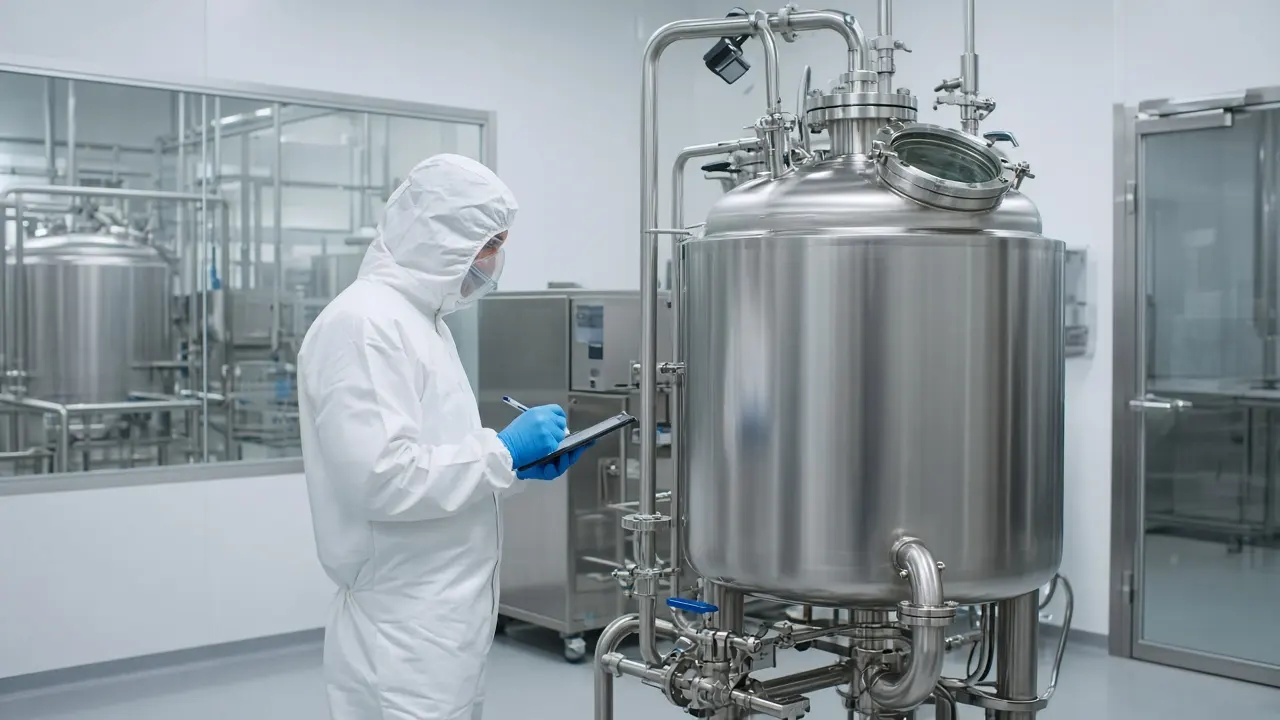
Materials, in-process checks, lot genealogy, and batch cost are useful while the batch is open. A record written after closeout explains a discrepancy the plant can no longer hold.
Read article
A quote, a short-dated lot, and the yield the line actually got are one decision. They should be on the same batch before the shipment leaves.
Read articleMFGMAX was founded by Karel Quintana, a CFO who has spent his career inside manufacturers' numbers, together with an IT team. Most software starts from screens. MFGMAX starts from the numbers an owner needs: what the batch or job really cost, what it earned, and where the cash is. Accounting can stay in QuickBooks.
Process
Map processes, systems, goals, and constraints.
Define architecture, UX, data model, and integrations.
Develop, test, and validate with real operational scenarios.
Implement, train teams, and optimize for adoption.
Contact
Tell us about your operation. We will recommend the right product, custom build, or integration path.
sales@mfgmax.com
Use the form — inquiries go to this inbox automatically.
7950 NW 53rd Street Suite 337, Miami, FL 33166
Primary brand site is MFGMax.com. Also recognized: